21/10/2026 11:41
Can Buyers Identify the Pocket? TikTok Photo Alt Text for Cambodian Bag Shops
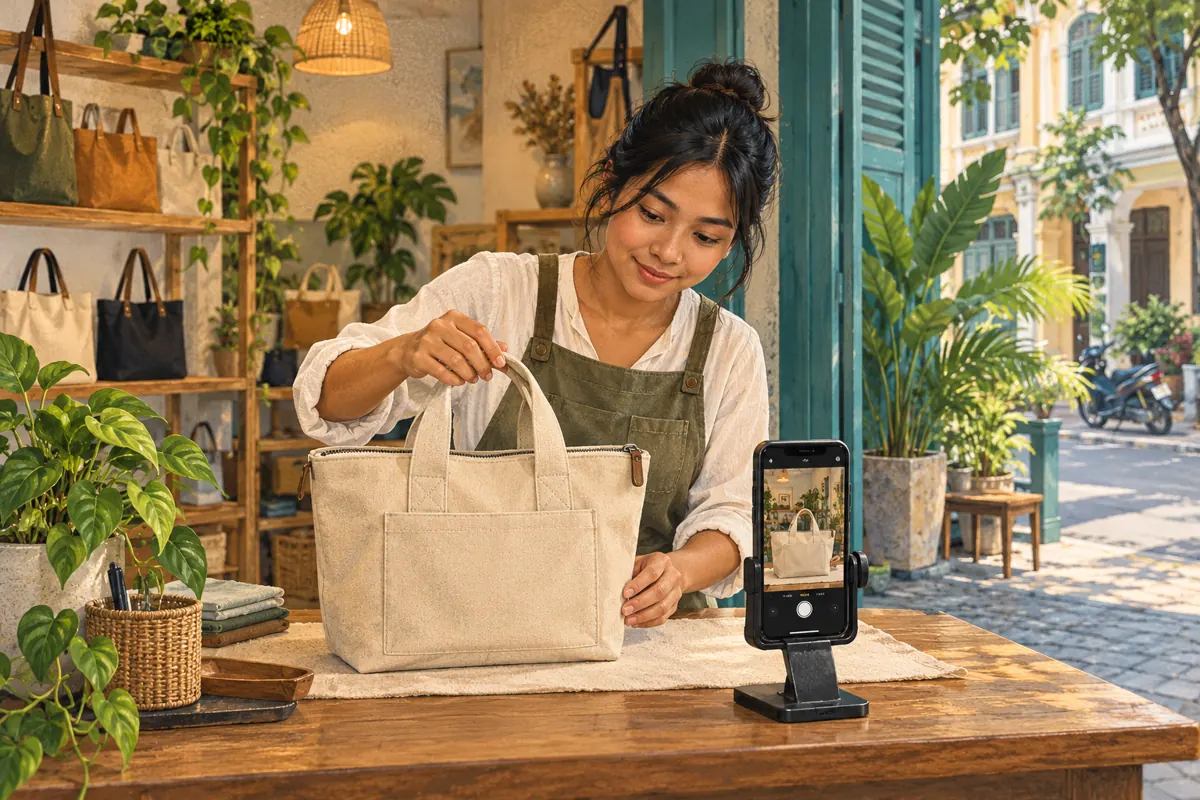
A bag photograph can look attractive while leaving essential questions unanswered. Is that rectangle an outside pocket or a decorative panel? Does the top close with a zipper? Are the handles short enough for carrying by hand? For Cambodian shops promoting bags through TikTok photo posts, useful image descriptions help communicate these distinctions to people who cannot fully access the picture. This guide explains how to plan photographs, write alternative text, review the published experience and assess promotion requests without confusing engagement counts with understanding. The shop scenarios and sample descriptions below are hypothetical; they illustrate an editorial workflow, not customer results.
1. Start with one product question
Choose the question the photo sequence should answer before arranging the bag on a counter. A hypothetical Phnom Penh shop might want to explain whether a canvas tote has a closing top and an interior pocket. That is a manageable subject for a short sequence. Combining closures, every available colour, delivery arrangements and a seasonal offer makes each image harder to describe clearly.
Write a simple assignment for the photographer: show the complete bag, the closure and the inside. Give the sample a stable product reference that staff also use when answering enquiries. Keep other variants away from the shooting area so their straps or pockets do not accidentally enter the sequence. The practical goal is that someone can identify the pictured construction and ask an informed follow-up question, whether they inspect the photos visually or hear descriptions.
2. Understand what TikTok photo alt text contributes
TikTok's official accessibility announcement confirms that creators can add alternative text to photo posts during upload or after publishing. It describes alt text as an accessibility feature supporting people who are blind, have low vision or process content differently. The announcement is linked in the sources. Treat the feature as another way to communicate what the photograph contains, rather than a place to repeat promotional keywords.
Give each part of the post a clear purpose. The photograph shows the item. Its alternative text communicates meaningful visual details. The main post caption explains the broader offer, verified specifications and next step. A description such as 'Sand tote with two short handles and a rectangular front pocket' has a different job from 'Ask us about current stock and collection arrangements.' Neither should be expected to replace the other.
3. Photograph details that can be described accurately
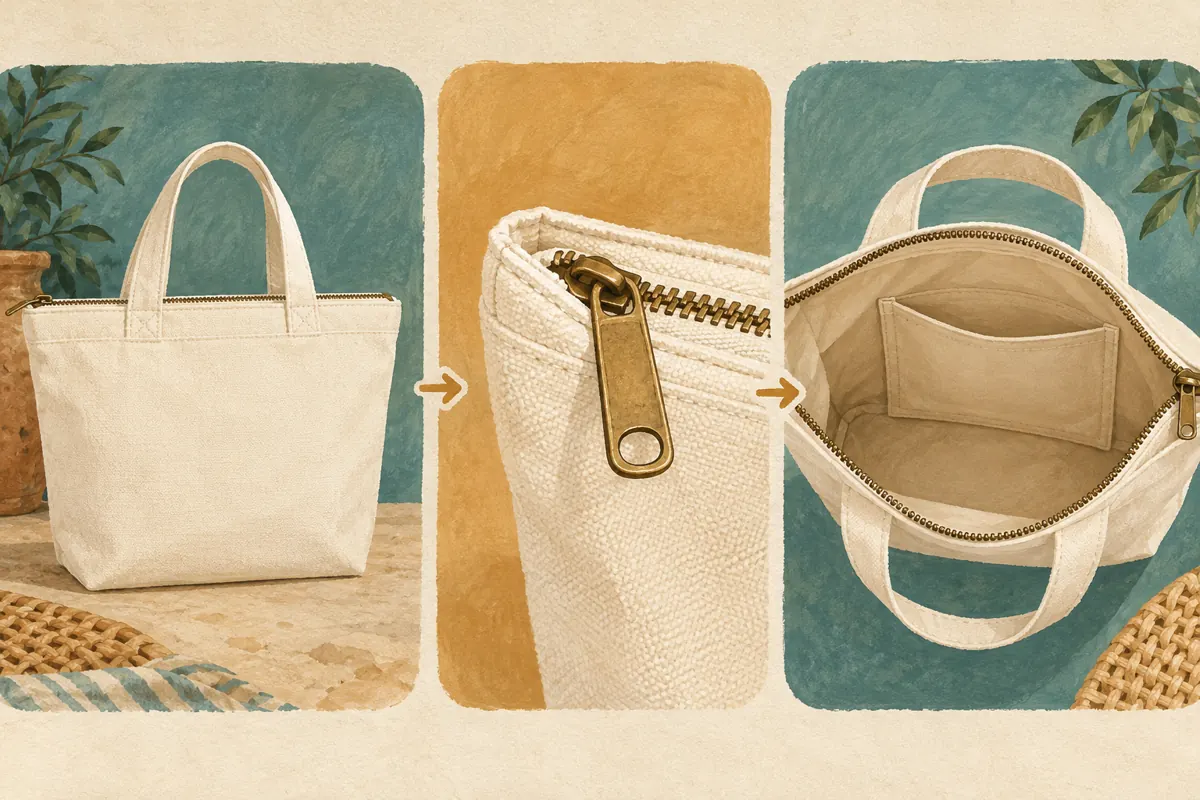
Prepare three distinct views. The first establishes the whole bag, including its shape and handles. The second isolates the closure without cropping away the context needed to recognise it. The third looks inside with enough light to reveal the pocket. Open the bag naturally; avoid stretching the mouth so far that the image implies more usable space than the product provides.
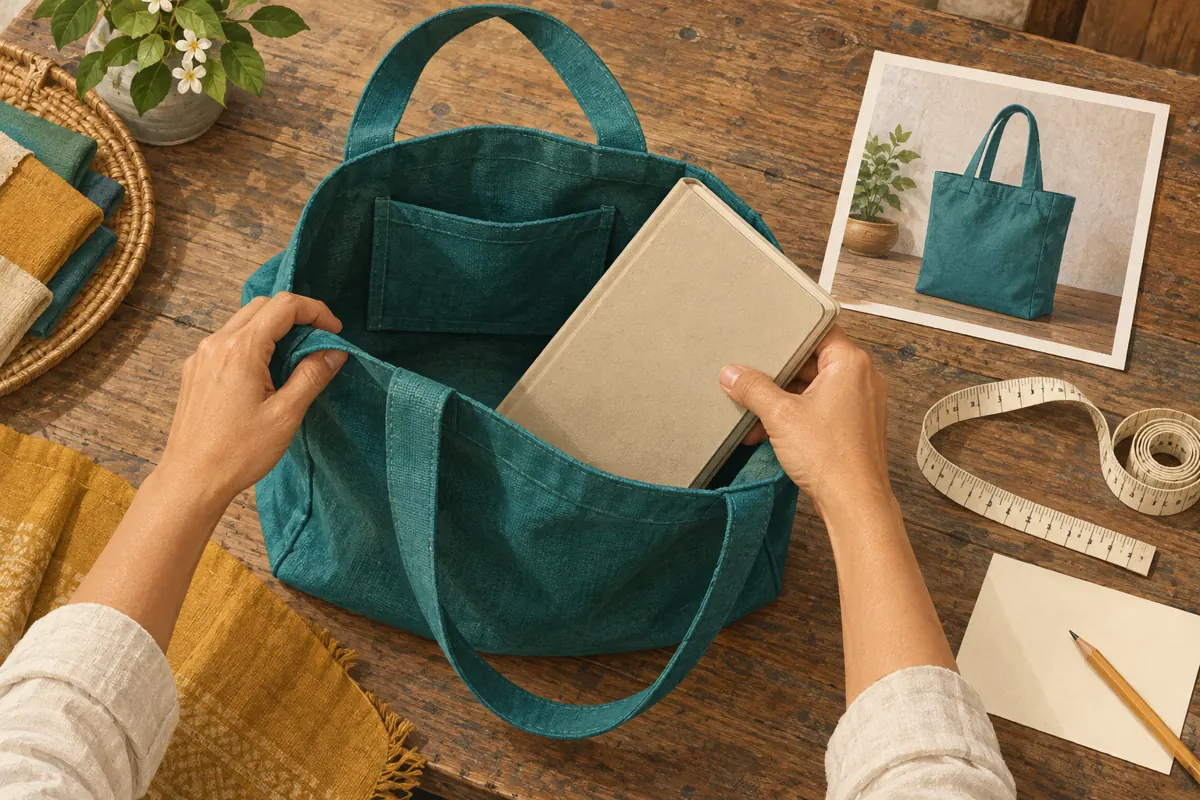
Keep backgrounds quiet and remove unrelated accessories. A notebook placed beside the bag can become an accidental inclusion claim if the caption never explains why it is there. Photograph a fit demonstration separately when it answers a real question, then identify the demonstration object. Before writing descriptions, compare every photograph with the sample on the table. Check that the visible pocket is actually functional and that the apparent zipper belongs to the main opening rather than an inner compartment.
4. Write one concrete description for each image
Use a repeatable order: identify the product, name the view and describe the detail that matters. For the hypothetical whole-bag photograph, a draft could read: 'Sand canvas tote viewed from the front, with two short handles and a rectangular exterior pocket.' This tells the listener what is present without claiming that the bag is durable, fashionable or suitable for every customer.
For the closure detail, try: 'Close view of the tote's top opening, with a zipper running between the two sides.' For the interior photograph: 'Open tote viewed from above, showing one slip pocket against the inner wall.' Adjust every word to the actual picture. If the material has not been verified, omit 'canvas.' If the pocket is obscured, improve the photograph instead of describing a feature the image does not show.
Remove filler such as 'beautiful new arrival' and repeated calls to buy. Description space is more useful when it resolves a visual ambiguity.
5. Keep visible evidence separate from product promises
A photograph can show a zipper, but it cannot establish that the bag is waterproof. A notebook partly inside the opening does not prove that the bag closes around it. These distinctions matter because confident descriptive language can quietly become an unsupported sales claim. Write what is visible in the image description and put verified specifications in the main caption or another accessible product reference.
For a hypothetical capacity demonstration, first check the object and bag together. Record the object's dimensions, whether it fits fully and whether the closure works without force. Then photograph the relevant result. Do not infer carrying capacity from the bag's appearance or call a pocket secure merely because it is deep. When information remains uncertain, say that staff need to check it before confirming suitability. This produces a useful enquiry instead of an avoidable expectation.
6. Review Khmer wording for the intended audience
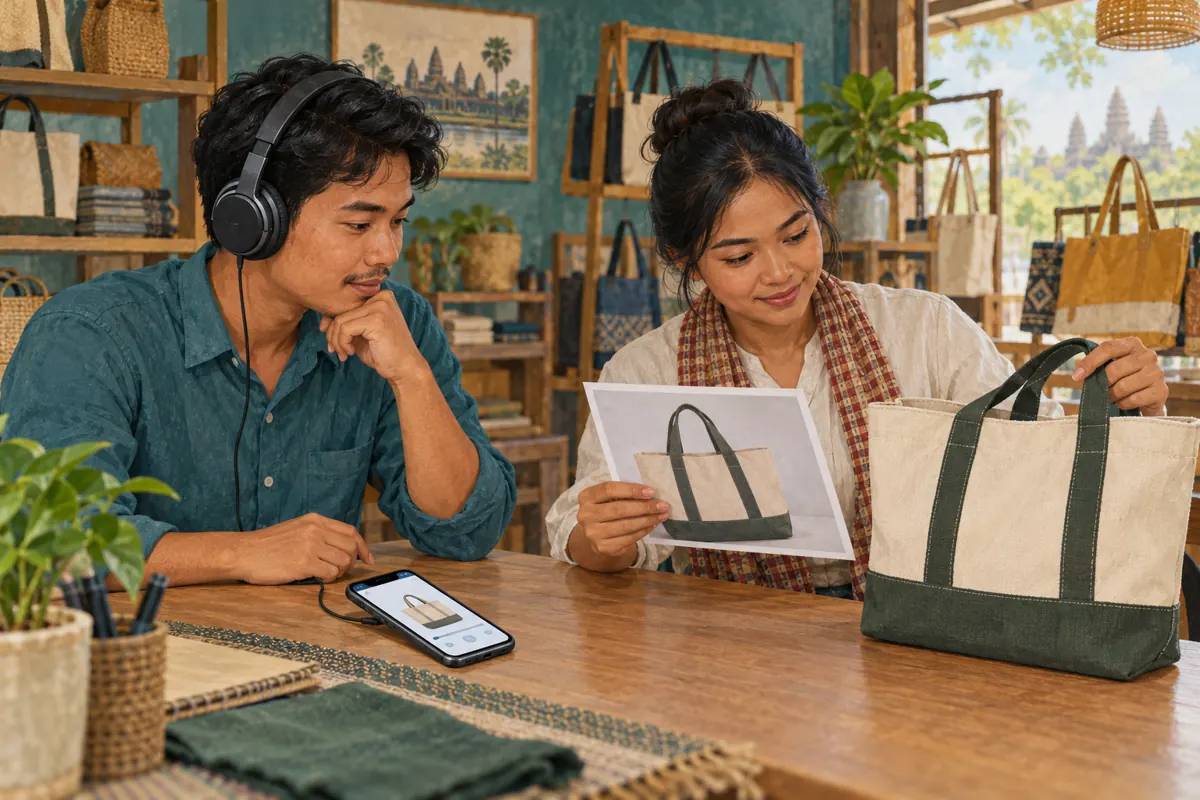
For a shop serving Khmer-speaking customers, prepare the public descriptions in the language those customers use. This English guide does not imply that the shop should switch its posts to English. Ask a fluent reviewer to check the terms for the opening, lining, handles and pocket. A literal translation can sound plausible while describing the wrong construction.
Keep model references consistent across the photograph notes, caption and replies. Avoid mixing several abbreviations into one sentence, especially when staff would normally explain the item with familiar words. Read the description aloud to catch repetition and confusing word order. That is a useful writing check, but it does not replace testing the actual screen-reader experience. If the post needs two languages, decide where each belongs and check that the same product facts survive both versions.
7. Add descriptions and check the saved post
Prepare the descriptions beside the final photo sequence before uploading. In TikTok's photo-post workflow, look for the alternative-text control and follow the instructions shown in your app. Match each description to its photograph after any reordering. Menu wording can change, so use the feature name as your guide rather than relying on a remembered screen position. Save the descriptions before completing your review.
After publishing, reopen the post and verify the image order, caption and saved descriptions wherever the app lets you inspect them. Test with a screen reader on the device and language configuration available to your team. Listen for whether each image can be distinguished without guessing. Record any limitation you encounter instead of declaring the post universally accessible. If the alternative-text control is unavailable, include essential product information in readable caption text and investigate through TikTok's help resources.
8. Use an SMM service review to identify mismatches
The supplied santrix-smm.com catalogue includes the exact title 'TikTok Followers ~ Bot Profiles ~ Max 10M ~ 100k/days ~ Instant ~ 𝐍𝐎 𝗥𝗘𝗙𝗜𝗟𝗟'. Its title identifies a follower offering, while its supplied description is empty. That does not establish photo-post compatibility, buyer location or any ability to improve accessibility. The title's quantities and timing language are catalogue claims, not verified performance evidence.
For this workflow, the decision is straightforward: a follower count cannot confirm that buyers understand the pictured pocket. TikTok's official explanation of deceptive behaviour also states that it prohibits fake engagement, including services that artificially increase followers or likes. Do not use artificial engagement as the promotion method for this task. Purchased engagement is not evidence of genuine interest, sales, ad delivery or Cambodian users. If an earlier panel order exists, keep its delivery record separate from the content review and any customer enquiries.
9. Catch mistakes before sharing the post more widely
The most common editorial mistake is reusing one description across different photographs. A front view, zipper detail and interior view provide different information, so they need different wording. Another mistake is describing the intended product instead of the selected photograph. This happens when staff replace a sample image but retain a description mentioning a pocket that the replacement does not show.
Check for contradictions across the post. If the caption says 'open top' while the image description names a zipper, pause and inspect the sample. Remove phone numbers, hashtags and promotional slogans from descriptions when they do not explain the image. Avoid copying lengthy caption text into every field. Finally, do not assume that adding descriptions repairs an unclear photograph: glare, hidden seams and tightly cropped openings still deserve a reshoot for viewers who use the visual content.
10. Review understanding through specific questions
After sharing, collect the actual product questions people ask through your normal enquiry channels. Record the question without unnecessary personal information and note which photograph or description may need clarification. In a hypothetical review, 'Does the inner pocket close?' suggests that the description should distinguish a slip pocket from a zipped pocket. It does not establish that every viewer misunderstood the post.
Keep a small revision record containing the product reference, photo order, approved descriptions and correction date. When stock changes, check whether the new batch has the same construction before reusing the sequence. Judge the work by whether product information is accurate and accessible through the tested route. Enquiries, confirmed purchases and public engagement counts answer different questions. A rise or fall in any one of them does not, by itself, demonstrate that the alt text caused a business result.
Frequently asked questions
Should the alternative text repeat the entire sales caption?
Usually, give it a narrower purpose: explain the image's meaningful visual information. Keep ordering instructions, current availability and verified specifications in the main caption or another accessible reference. Repeat a detail when it is necessary to understand the photograph, but avoid making someone hear the whole sales message for every image.
Can we describe a pocket that we know exists but cannot see?
Improve the photograph or explain the verified feature in the product caption. Alternative text should accurately represent the selected image. If the photograph only shows the outside of the bag, describing an unseen interior pocket can confuse someone moving between the description and the visual content.
Can existing TikTok photo posts receive alt text?
TikTok's official accessibility announcement says alternative text can be added after publishing as well as during upload. Inspect the options available on your existing photo post, save the relevant descriptions and review the result. Avoid assuming that an unsaved draft or a description copied into the main caption has populated the alternative-text fields.
Will better alt text increase reach or sales?
This workflow makes no reach or sales promise. Its immediate purpose is to communicate the photographed product more clearly through an additional access route. Track genuine enquiries and confirmed transactions separately, and do not attribute changes to alt text without evidence that supports that conclusion.
What should a shop do if it cannot test Khmer screen-reader output?
Complete the factual and fluent-language review, then document that the device-level test remains unfinished. Seek feedback from someone able to test the intended reading setup without requesting private account access. Meanwhile, keep essential product facts available in clear caption text and answer specific accessibility problems when reported.
Explore the current service catalogue, create an account, or ask a specific question through support tickets.
- TikTok: Celebrating Global Accessibility Awareness: Building an Accessible and Inclusive TikTok
- TikTok: How TikTok counters deceptive behaviour
Prepared with AI assistance. Illustrations explain the workflow and do not represent customer results.