21/10/2026 01:07
Which Demo Deserves an Alert? YouTube Upload Notifications for Cambodian Tool Shops
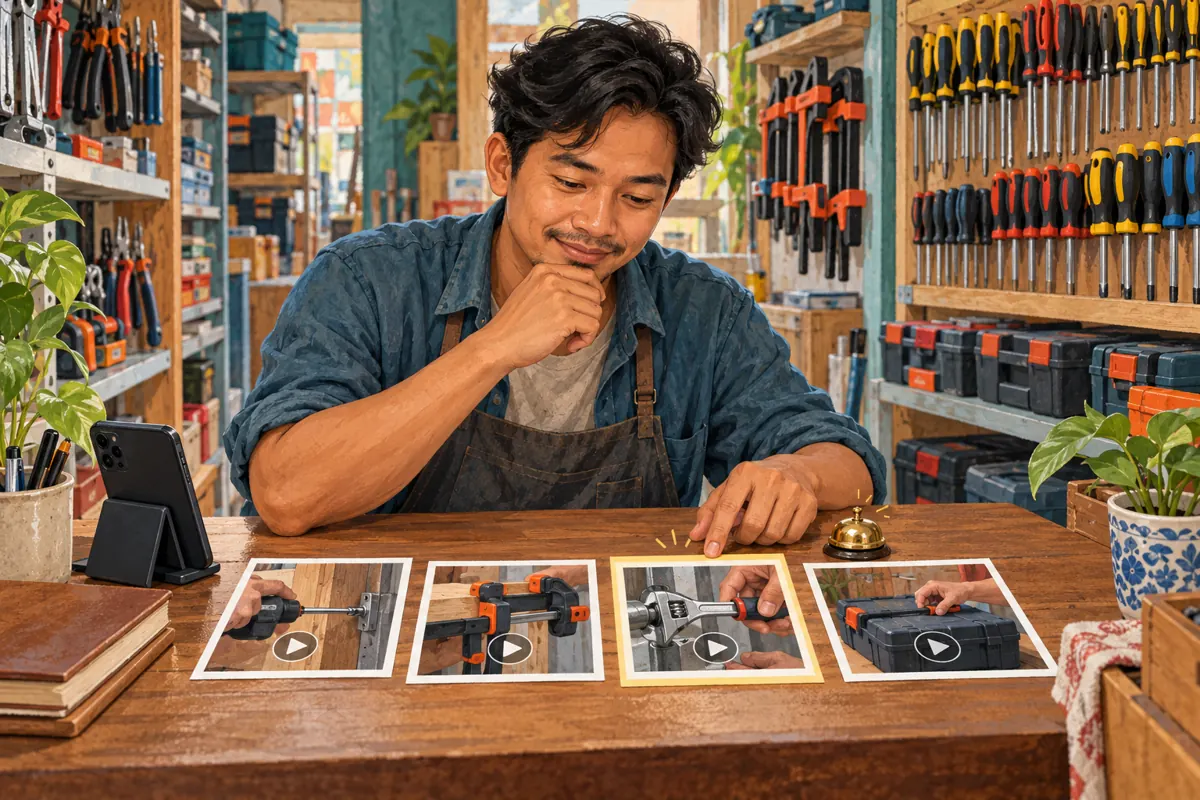
A productive filming afternoon can leave a Cambodian tool shop with several useful videos: a kit overview, a screwdriver comparison, a clamp demonstration and a case-opening guide. Publishing them requires another decision: which videos deserve an announcement to existing subscribers? Treating every finished file as equally urgent makes the release plan depend on editing order rather than customer needs. This guide explains how to choose an announcement, prepare supporting demonstrations and review the outcome. It also shows why an SMM-panel subscriber service cannot establish whether interested Cambodian buyers received a notification or understood the products.
1. Give each demonstration a customer job
Before opening the upload screen, write one sentence explaining what each video helps someone decide. A kit overview might help a first-time buyer understand what is included. A screwdriver comparison might clarify which tip matches a particular screw. A clamp demonstration might show the jaw opening, while a case guide explains storage. These are different reasons to watch, even when all four videos feature the same product bundle.
Next, identify who needs each answer. A general overview may interest many existing viewers; a latch demonstration may mainly help someone who already owns the case. Neither video is automatically more valuable. The distinction is whether the information deserves a fresh announcement or works better as a reference offered when relevant. For a Cambodian shop serving both walk-in buyers and customers arranging delivery, keep product explanation separate from pickup and delivery promises.
2. Understand the combined notification and feed choice
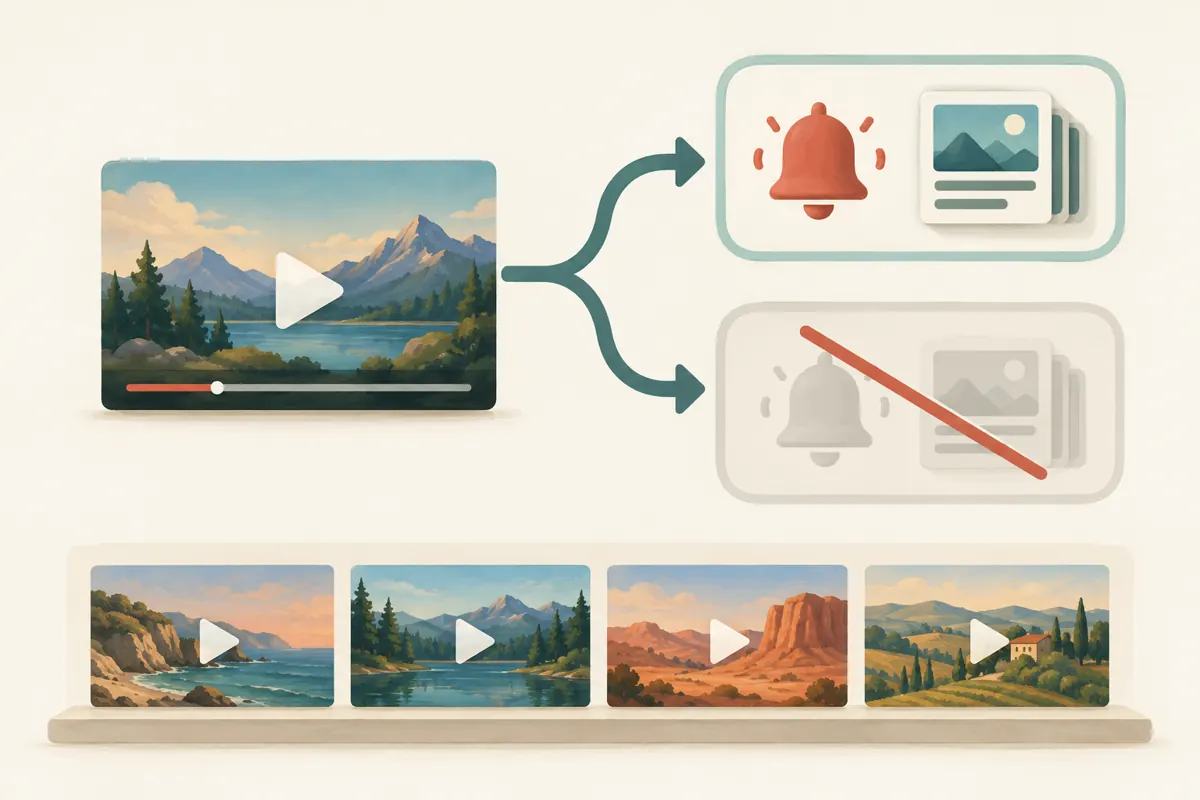
YouTube’s upload control joins two actions. Clearing the notification checkbox also excludes the upload from subscribers’ Subscription feeds. It is therefore a broader distribution decision than simply avoiding a phone alert. YouTube also sets a maximum of three upload and live-stream notifications from one channel within a 24-hour period. See the official [upload notification guide](https://support.google.com/youtube/answer/7457584?hl=en).
For your planning sheet, avoid an ambiguous note such as “quiet upload.” Write the intended consequence clearly: this demonstration is supporting material, and the shop accepts the feed tradeoff. If appearing in the Subscription feed matters, reconsider whether the upload should be deferred instead. Make that judgment before the release session, when there is time to compare alternatives. A finished edit does not create a business obligation to publish immediately.
3. Use a hypothetical four-video release plan
Consider a hypothetical Phnom Penh hand-tool shop preparing four ordinary videos about a new kit. The owner chooses the overview as the main announcement because it explains the contents and who the kit suits. The screwdriver and clamp demonstrations support specific product questions. The case-latch video answers an after-purchase question. This example describes an editorial choice, not a tested campaign or a prediction of sales.
The owner could publish the overview first and release the other demonstrations later when each has a clear purpose. Alternatively, supporting videos needed immediately could be prepared without subscriber notifications, accepting the associated feed exclusion. The staff would then keep the correct reference links ready for relevant enquiries. The choice depends on customer usefulness and staff capacity. There is no need to manufacture urgency around every close-up simply because all the filming happened together.
4. Choose announce, defer or retain for reference
Use three questions for every file. Does it answer a question shared by much of the channel’s intended audience? Does it add information beyond the most recent demonstration? Can staff respond accurately if viewers ask about the product today? A strong answer to all three makes the video a reasonable announcement candidate. A narrow but useful answer suggests reference material. An unresolved claim, missing measurement or uncertain product description means the video needs more work.
Deferral is useful when two videos compete to explain the same thing. For example, two screwdriver demonstrations may differ visually but leave buyers with the same answer. Combine them or give each a distinct purpose before releasing both. For Cambodia-facing content, use the language customers actually understand and make dimensions visible. Do not let an English model name replace a clear explanation of the tool’s function, compatibility or limitations.
5. Apply the setting during the upload review
In YouTube Studio, begin the upload, select the file, enter its details and expand SHOW MORE. Under License, clear “Publish to subscriptions feed and notify subscribers” when you deliberately want to skip both. Review the choice before publication. These steps follow [YouTube’s documented upload workflow](https://support.google.com/youtube/answer/7457584?hl=en).
Assign one person to read the release note while another, when available, checks the selected file and its settings. A small shop can do the same review in two passes: first check the content, then check distribution. Record the video title, intended role and decision in a simple worksheet. Keep the wording consistent across staff. “Reference demonstration; no subscriber announcement intended” is more useful than “done,” which says nothing about the decision that was approved.
6. Make the announced video worth opening
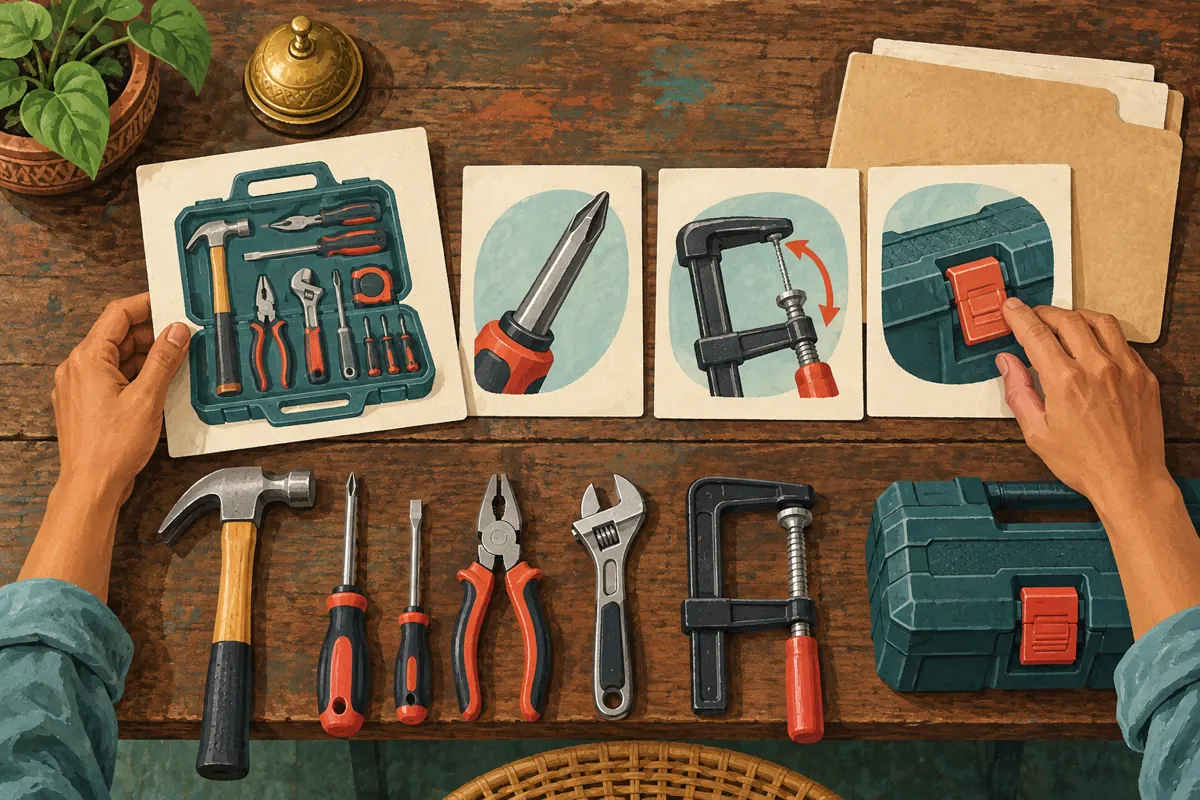
The strongest announcement is still weak if its opening wastes the viewer’s time. Start with the product question and show the relevant object promptly. In the hypothetical kit overview, place the included tools on the bench and explain the intended use. If a clamp is shown only as a demonstration accessory, say that clearly. The viewer should not have to infer the bundle contents from everything visible in the frame.
Give the title a specific promise the video fulfills. “What is included in this hand-tool kit?” is more informative than a vague superlative. Close with a practical next step: ask buyers to send the model or a clear product photo when compatibility needs checking. For collection enquiries, request only the information needed to respond. A notification should introduce useful information; it should not imply that stock, suitability or delivery has already been confirmed.
7. Keep viewer choice separate from your upload choice
Leaving notifications enabled does not mean every subscriber will receive an alert. Viewers control their preferences, and device settings also matter. YouTube distinguishes personalized notifications from all notifications; it also explains that notification behavior differs between ordinary uploads and Shorts. This article’s release example concerns ordinary videos. The official [notification settings guide](https://support.google.com/youtube/answer/3382248?hl=en) explains the viewer controls.
If a customer says they missed the overview, first provide the useful video directly in the conversation where they requested help. Do not turn their product question into a demand that they change their phone settings. You can explain where preferences are managed if they ask. For the shop’s planning, treat a subscriber as someone who may choose to follow future content, not as a guaranteed recipient or a person waiting for an immediate sales message.
8. Assess SMM-panel services against the actual problem
The supplied santrix-smm.com catalogue includes “YouTube Subscriber ~ Max 10k ~ 50-150/days ~ Instant ~ 𝗥𝗘𝗙𝗜𝗟𝗟 30D”. Its title identifies a subscriber-related listing, but the supplied description is empty. The title alone does not verify its delivery claims, methods, audience location or subscriber behavior. It offers no basis for concluding that Cambodian tool buyers would receive your next announcement.
YouTube prohibits artificial engagement and warns that a hired promoter’s actions can affect the channel. Review the [fake engagement policy](https://support.google.com/youtube/answer/3399767?hl=en) before considering any third-party promotion. Reject methods that artificially inflate metrics. Purchased engagement is not evidence of genuine interest, sales, advertising delivery or Cambodian users. If the problem is choosing which demonstration deserves attention, solve the content and release decision first; buying a count cannot answer that editorial question.
9. Review notification data without inventing a success story
Where available, YouTube’s notification cards help distinguish notification eligibility and delivery from viewing. The channel-level subscriber bell card is under Analytics, then Audience. An individual video’s bell notifications card is under its Analytics, then Reach. These cards require sufficient subscribers or reachable subscribers to appear. Notification click-through rate concerns notification clicks, not product enquiries or purchases. See [YouTube’s notification reporting guide](https://support.google.com/youtube/answer/9336507?hl=en).
Keep a separate, minimal enquiry log describing the questions people actually ask. In a hypothetical review, several messages might ask whether the clamp fits a particular work surface. That suggests a useful explanation is missing; it does not establish that notifications caused those messages. Ask how the customer found the demonstration when that information is relevant, and allow an unknown answer. Record confirmed orders separately, without treating every friendly comment as buying intent.
10. Avoid release mistakes that obscure the result
One mistake is announcing an overview before checking that its supporting explanations are ready. Another is withholding the most useful guide because it looks less polished than a promotional montage. Review the buyer’s journey through the information: identify the kit, understand the relevant part, then ask a specific question. Staff should know which video answers each stage without searching through similar filenames while a customer waits.
Also avoid changing several things and crediting the result to notifications alone. A different product, clearer title, revised price explanation and new release time create several possible explanations for a response. Write down what changed and keep conclusions modest. Reusing a successful-looking schedule does not prove it suits every audience. For a small Cambodian shop, the most useful improvement may be fewer confused compatibility questions and more accurate replies, even when the public counters offer little insight.
11. Turn the decision into a repeatable shop routine
At the next filming session, begin with the questions collected since the previous release. Select one broad topic for an announcement and identify the narrow explanations needed to support it. This makes filming more deliberate: the shop can capture the kit overview, the important tool detail and the measurement together without assuming they must become simultaneous announcements. Keep a reusable release sheet beside the filming notes.
After publication, give the team a short handover containing the approved video links, the questions each answers and any product facts still requiring confirmation. Review the release once staff have had a reasonable chance to handle enquiries. Decide whether the next task is a clearer demonstration, a corrected explanation or a different announcement priority. This routine connects social promotion to useful customer service while keeping platform activity and business evidence understandable.

Frequently asked questions
Can I skip an alert while keeping the same upload in the Subscription feed?
The documented upload checkbox controls both together. Clearing it skips notifications and Subscription-feed inclusion. If feed visibility is important to the release, reconsider the timing rather than treating the checkbox as a sound-only control. Record the tradeoff so another staff member understands the decision.
Should every narrow product demonstration be released without notifications?
No. A narrow subject can matter to many viewers. If customers repeatedly ask about a clamp’s jaw shape, a focused demonstration may deserve its own announcement. Judge the frequency and importance of the question, the clarity of the answer and whether the video adds something useful.
What if the notification reporting card is missing?
YouTube says these cards appear when subscriber requirements are sufficient. A missing card does not establish that your upload failed or that nobody cared. Keep your release record, verify the video itself and review the customer questions you can actually observe rather than inventing unavailable notification data.
Can a subscriber service fix weak notification results?
A subscriber count cannot establish notification eligibility, local buying interest or product understanding. The catalogue title supplied here does not explain its methods. Do not use artificial engagement to compensate for a weak release plan. Improve the demonstration and assess any proposed promotion against YouTube’s rules.
How should a shop choose a release time for Cambodian customers?
Start with periods when staff can respond and the information is ready. Use your own enquiry history to form a tentative schedule rather than assuming one universal best hour. Keep the test manageable, note other changes and avoid claiming that timing alone caused a sale or a quiet response.
Explore the current service catalogue, create an account, or ask a specific question through support tickets.
- YouTube Help: Skip sending upload notifications
- YouTube Help: Manage YouTube notifications
- YouTube Help: Check subscriber notifications
- YouTube Help: Fake engagement policy
Prepared with AI assistance. Illustrations explain the workflow and do not represent customer results.