19/10/2026 19:11
Did the Demo Promise an Extra Roll? YouTube Corrections for Cambodian Printer Shops
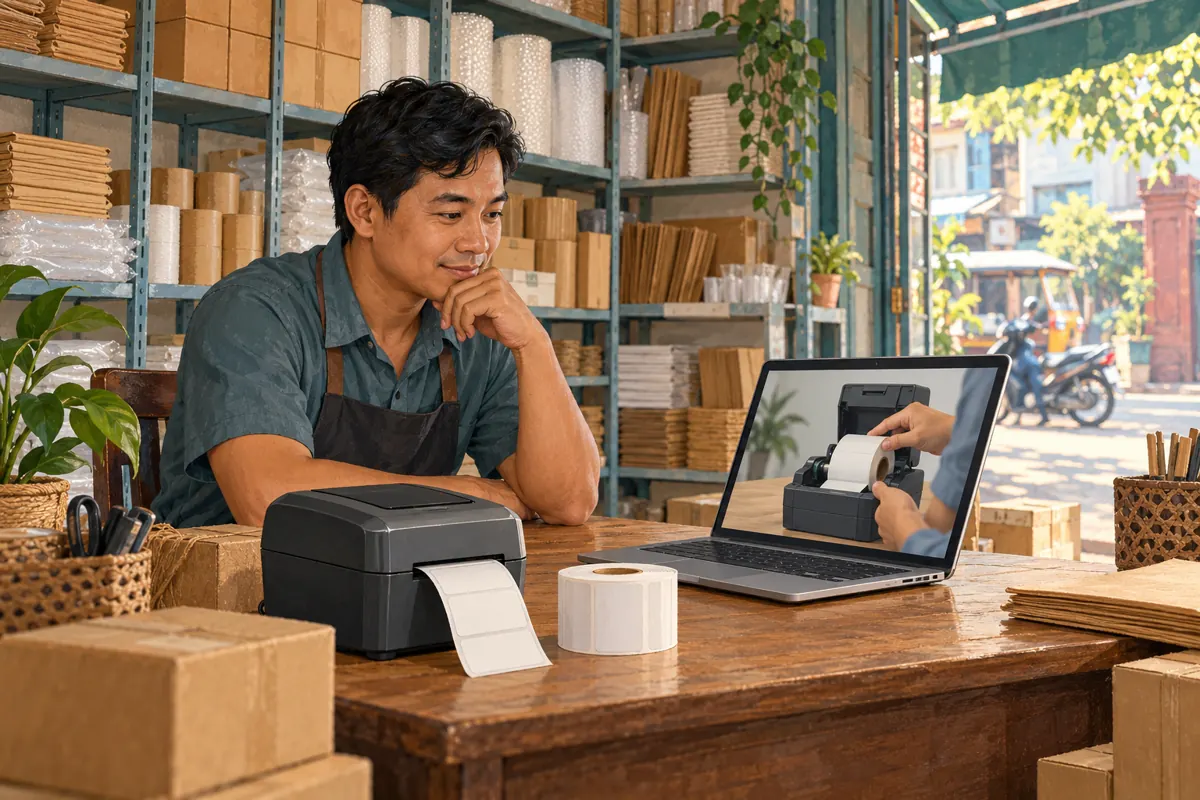
A useful product demonstration can contain one sentence that creates an expensive misunderstanding. A presenter might describe an accessory as included when the shop sells it separately. For a Cambodian business sharing that video through social posts and customer conversations, the mistake can travel further than the original upload. Before planning more promotion or considering an SMM panel service, resolve what the video tells buyers. This guide uses a hypothetical Phnom Penh label-printer shop to explain how to verify an error, choose between a correction and a replacement demonstration, and check that the revised explanation actually helps someone prepare an accurate enquiry.
1. Identify the promise a customer could reasonably hear
In the hypothetical example, a shop publishes a demonstration of a desktop label printer. At 1:18, the presenter says the extra label roll beside the machine comes with the standard package. Later, the person preparing orders confirms that this extra roll is sold separately. The paper-loading demonstration remains useful, but the package statement is wrong. The timestamp and all package details in this example are illustrative, not specifications for a real product.
Write down the exact spoken sentence, what appears on screen and what a viewer might conclude. Also check whether the title, thumbnail or opening description repeats the promise. This defines the size of the correction. A mistaken accessory statement in one moment needs a different response from an entire video built around an unavailable bundle. Ask the staff member who answers enquiries which misunderstanding would change a quotation or cause an unnecessary shop visit.
2. Confirm the package before writing the correction
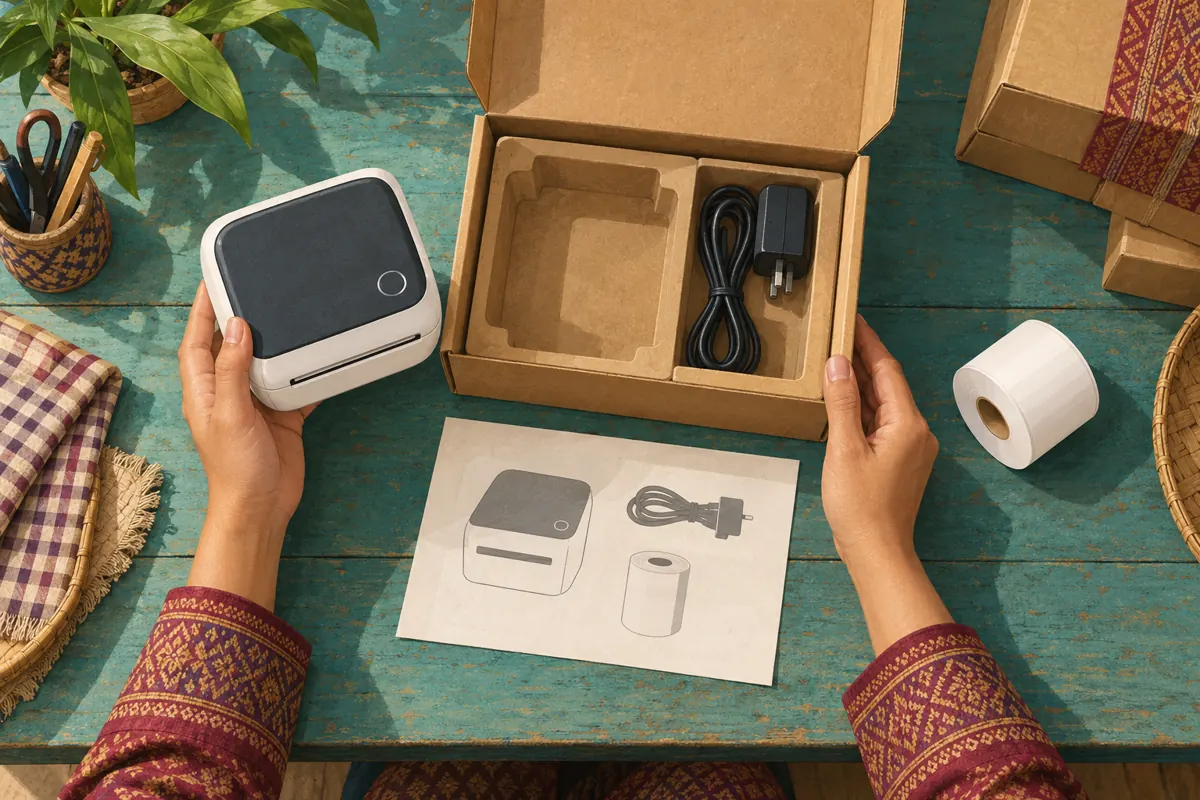
Compare the video with the relevant stock item, packing list and shop offer. A supplier photograph alone may show demonstration accessories that are not included. Likewise, a display unit assembled from several boxes does not establish what a customer receives. Record the exact model or internal stock reference privately, and have the person responsible for packing confirm the contents of the package being promoted.
Separate an original mistake from a later change. If the extra roll was never included, say the video statement was incorrect. If a genuine bundle ended, identify the changed offer and its effective date instead of rewriting history. Where stock batches differ, describe the affected package rather than making a claim about every printer in the shop. For Cambodian enquiries involving collection or provincial delivery, also keep package contents separate from delivery charges. Correcting one detail should not accidentally imply that transport or setup is included.
3. Decide whether a note can carry the correction
Use a practical severity test: could someone who misses the note make a materially wrong decision? A brief accessory clarification may be manageable when the rest of the demonstration is accurate and staff confirm package contents before purchase. Incorrect electrical instructions, a fundamentally wrong compatibility claim or repeated false bundle promises deserve a stronger response. Stop actively sharing the affected demonstration while deciding how to present the corrected information.
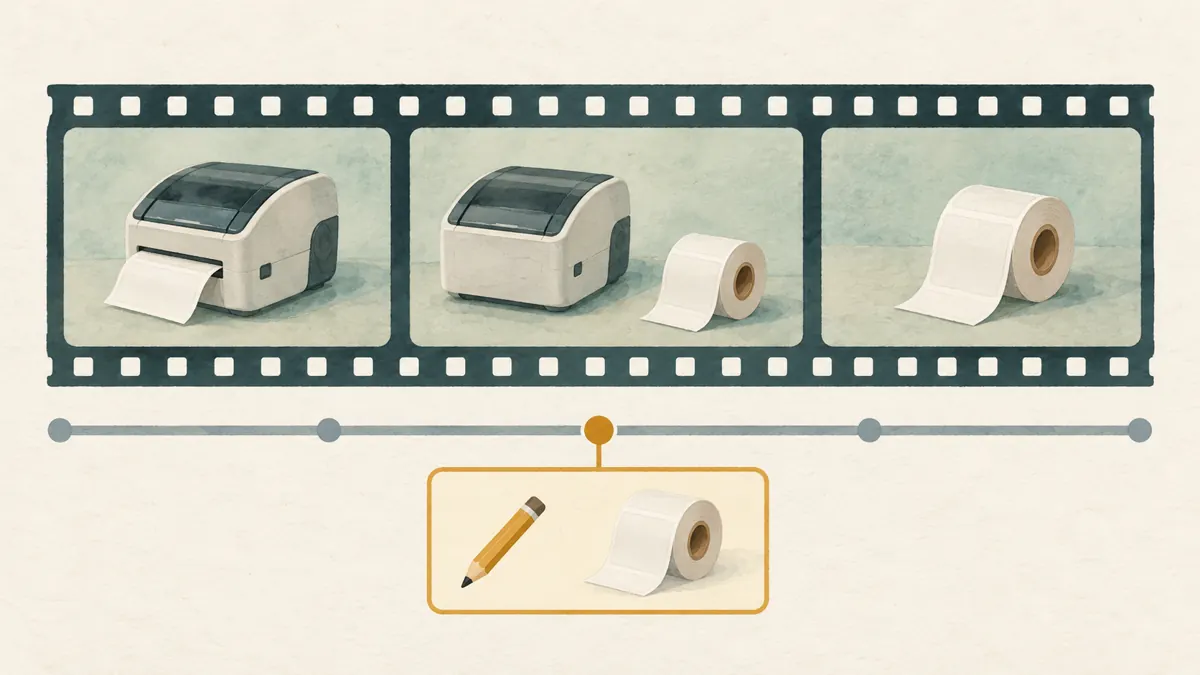
A correction does not rewrite the recorded speech. If understanding the product requires viewers to mentally reverse several statements, make a fresh demonstration. YouTube says a newly uploaded video receives a new URL; it cannot replace an existing upload at the same address. Plan to update the promotional destinations you control if you choose that route. Do not delete a useful original impulsively, since deletion is permanent. These platform distinctions are documented in [YouTube’s replacement and deletion guidance](https://support.google.com/youtube/answer/55770?hl=en).
4. Write a correction that answers the buying question
Draft the explanation before opening the editing screen. Name the mistaken detail, provide the confirmed replacement fact and state any necessary next step. For the hypothetical shop, the correction could read: “1:18 The extra label roll shown beside the printer is sold separately; it is not included in the standard package demonstrated here. Ask us to confirm the package contents before ordering.” This is an example to adapt only after checking the actual offer.
Avoid wording such as “small clarification” when the presenter plainly promised something incorrectly. Equally, avoid a long account of which colleague caused the error. Buyers need the corrected information. If the demonstration addresses Khmer-speaking customers, prepare the explanation in Khmer and have a fluent colleague check its meaning. Keep model names consistent with the stock being discussed. When two languages are necessary, give each a complete, compact explanation rather than scattering essential details between them.
5. Add the timestamped correction in YouTube Studio
On a computer, open YouTube Studio, select Content and choose the affected video. In its description, add a separate line containing “Correction:” or “Corrections:”. On the following line, enter the relevant timestamp and explanation. Place this correction block after any video chapters, then save. YouTube requires that introductory keyword in English even when the surrounding description uses another language. See [YouTube Help: Edit video settings](https://support.google.com/youtube/answer/57404?hl=en).
YouTube’s official walkthrough explains that a correction produces a timed information overlay leading viewers to the description entry. Multiple corrections can have separate timestamped lines. This is an annotation workflow, so do not treat saving the description as evidence that the original spoken claim has disappeared. The intended viewer interaction is described in [YouTube’s corrections walkthrough](https://blog.youtube/news-and-events/how-to-add-corrections-to-youtube-videos/). Keep the original description in your internal notes before editing, so a reviewer can compare the change without relying on memory.
6. Check the result as a viewer
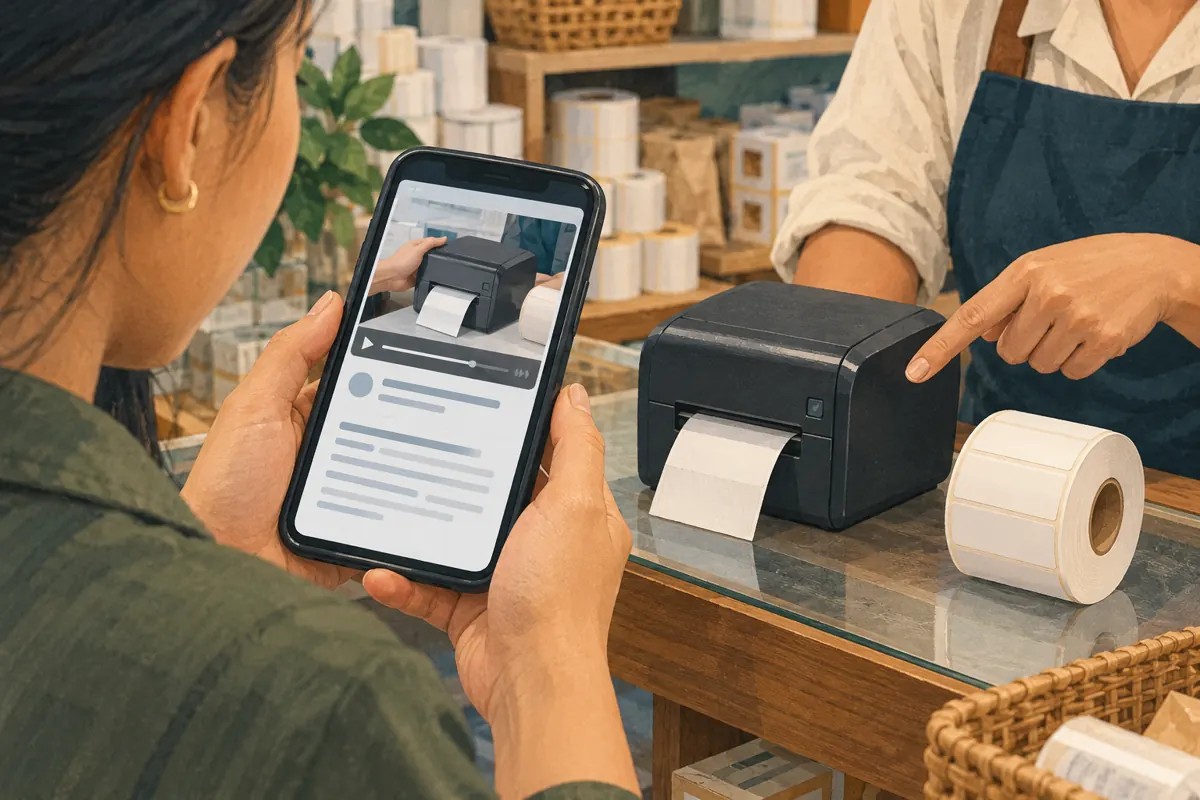
Open the public video on a phone and play from shortly before the incorrect statement. Look for the correction prompt, open it and read the explanation. Then inspect the expanded description directly. Check that the timestamp points to the relevant sentence, the correct accessory is named and the explanation remains understandable without the shop’s internal discussion. A saved edit and a clear customer experience are separate checks.
Ask a second staff member to answer a simple question after watching: “Does the package include that extra roll?” If their answer is uncertain, improve the wording or reconsider whether the video should remain in active promotion. Record the device and viewing route used for the check without assuming that one successful test covers every situation. YouTube notes that corrections are unavailable on channels with active strikes or where content may be inappropriate for some viewers. If the feature is unavailable, reassess the communication plan instead of relying on an unseen prompt.
7. Correct the surrounding sales conversation
Find the places where your team has repeated the same package promise: a Facebook caption, Telegram message, quotation template or staff reply. Work through the destinations you control and correct the wording where possible. A YouTube description change does not make a copied sentence accurate elsewhere. For a post that cannot be meaningfully updated, publish an explicit clarification through the same customer-facing route rather than assuming everyone will revisit the video.
If an identifiable customer is already discussing an order based on the mistaken statement, explain the correction before asking them to proceed. A suitable hypothetical reply is: “Our demonstration incorrectly described the extra roll as included. It is separate from this package. We will confirm the complete contents in your quotation.” Let the responsible staff member resolve any existing commitment using the actual order record. Do not use a public correction as a substitute for addressing a specific customer’s unanswered question.
8. Keep SMM service labels separate from the correction
The supplied santrix-smm.com catalogue includes the exact title “Youtube Views ~ Video/Shorts ~ Max 10M ~ 50k/days ~ Instant ~ 𝐍𝐎 𝗥𝗘𝗙𝗜𝗟𝗟”. Its title positions it as a views service for videos or Shorts, but the brief supplies no accompanying description. The title does not establish the delivery method, audience origin, suitability for this video or whether any viewer would read the correction. Its embedded quantity and speed labels are not verified performance facts.
Purchased engagement is not evidence of genuine interest, sales, advertising delivery or Cambodian users. It cannot validate a product statement or show that shoppers understood a correction. YouTube prohibits artificial inflation of engagement and warns that a hired promoter’s methods can affect the channel. Review that policy before considering a service, and decline methods that violate it. This limitation follows [YouTube’s fake engagement policy](https://support.google.com/youtube/answer/3399767?hl=en), not a judgement about delivery proven by the catalogue title.
9. Resume promotion around the confirmed offer
Once the demonstration is suitable to share, build the next promotional message around the question it answers accurately. The hypothetical printer shop could invite viewers to watch how the paper loads and request a current package list. Avoid recycling the original bundle promise merely because it made an appealing headline. Show separately sold accessories distinctly in new creative, and explain what information staff need to prepare a quotation.
Evaluate the resulting conversations for comprehension. Does an enquiry identify the printer and ask about compatible label rolls? Does the customer understand which items require a separate quote? Keep these observations separate from completed orders and from platform view counts. If someone still expects the extra roll, ask which post or video informed that expectation. That answer helps locate a remaining contradiction. It does not prove that all viewers misunderstood, but it gives the team a specific communication problem to fix.
10. Build a small correction record and prevent repeats
Keep a compact record containing the video URL, affected timestamp, original statement, verified correction, evidence checked, reviewer and date. Add whether the video remains suitable for promotion and which related messages were updated. This record is useful when another employee later prepares a campaign or receives a screenshot of the old promise. It should explain the decision without collecting unnecessary customer information.
Common mistakes include translating the required correction keyword, placing the note at an unrelated moment, hiding the important fact inside an apology, or treating a correction as a substitute for remaking a misleading demonstration. Another is silently changing only the sales reply while continuing to circulate the same inaccurate clip. Before the next recording, place the confirmed package list beside the presenter and distinguish included items from demonstration props. Have the packing colleague review those sentences before publication; they often know exactly where a plausible statement could become a fulfilment problem.
Frequently asked questions
Can a Khmer-language demonstration use this correction feature?
Yes. The introductory keyword must remain “Correction:” or “Corrections:” in English, but the explanatory text can use the audience’s language. Have someone fluent check the product meaning, especially distinctions such as included, optional and sold separately. Do not change the entire description to English just to accommodate the required keyword.
Should every stock or price change become a timestamped correction?
No. First determine whether the video actually makes a statement that needs correcting. A general loading demonstration may remain accurate even when stock changes. Update the current offer where customers obtain it. If the video names a specific price or package that no longer applies, explain its dated context and consider whether continuing to promote it would create confusion.
Is a comment enough if the error affects what comes in the box?
A comment can supplement the explanation, but do not assume a shopper will read it. Put the accurate package contents in the quotation and relevant promotional copy, and check whether the video itself remains appropriate to share. If missing the clarification would substantially change the purchase decision, a fresh demonstration may communicate the offer more reliably.
Will more views show whether the correction worked?
No. A view count does not reveal whether someone noticed, read or understood the correction. Use a direct comprehension check with a colleague and review actual customer questions. Even fewer package questions would only be an observation; other changes in the audience, offer or staff replies could also explain it.
What if the shop cannot yet confirm the correct package?
Avoid publishing a confident replacement claim. Pause active sharing of the disputed offer, ask the person responsible for stock to verify it and tell current enquirers what remains unconfirmed. Resolve the uncertainty before collecting an order based on that package. A correction should replace a mistake with checked information, rather than introduce a second guess.
Explore the current service catalogue, create an account, or ask a specific question through support tickets.
- YouTube Help: Edit video settings
- YouTube Official Blog: How to add corrections to YouTube videos
- YouTube Help: Replace or delete your video
- YouTube Help: Fake engagement policy
Prepared with AI assistance. Illustrations explain the workflow and do not represent customer results.